Clipping Boxes (3D View)
|
1238888 |
Clipping boxes provide an easy access to areas of interest of a 3D point cloud. They allow slicing the point cloud and clipping away specific areas which enables you to display or hide certain points of the 3D point cloud.
There are two types of clipping boxes:
-
Clipping boxes with the points outside of the box hidden. Only the points inside the box are displayed.
-
Clipping boxes with the points outside the box displayed. Points inside the box are hidden.
If you resize the clipping box to a subset of the project and you are hiding the interior or exterior, you can toggle between clipping only points and clipping everything by clicking button  .
.
Clipping boxes may also be used to select scan points in the 3D view to perform certain operations on these points.
Clipping boxes can be applied to the points of point clouds, not to the points of scans. If your scan project contains more than one scan, register those scans first, then use the clipping boxes for the entire scan project.
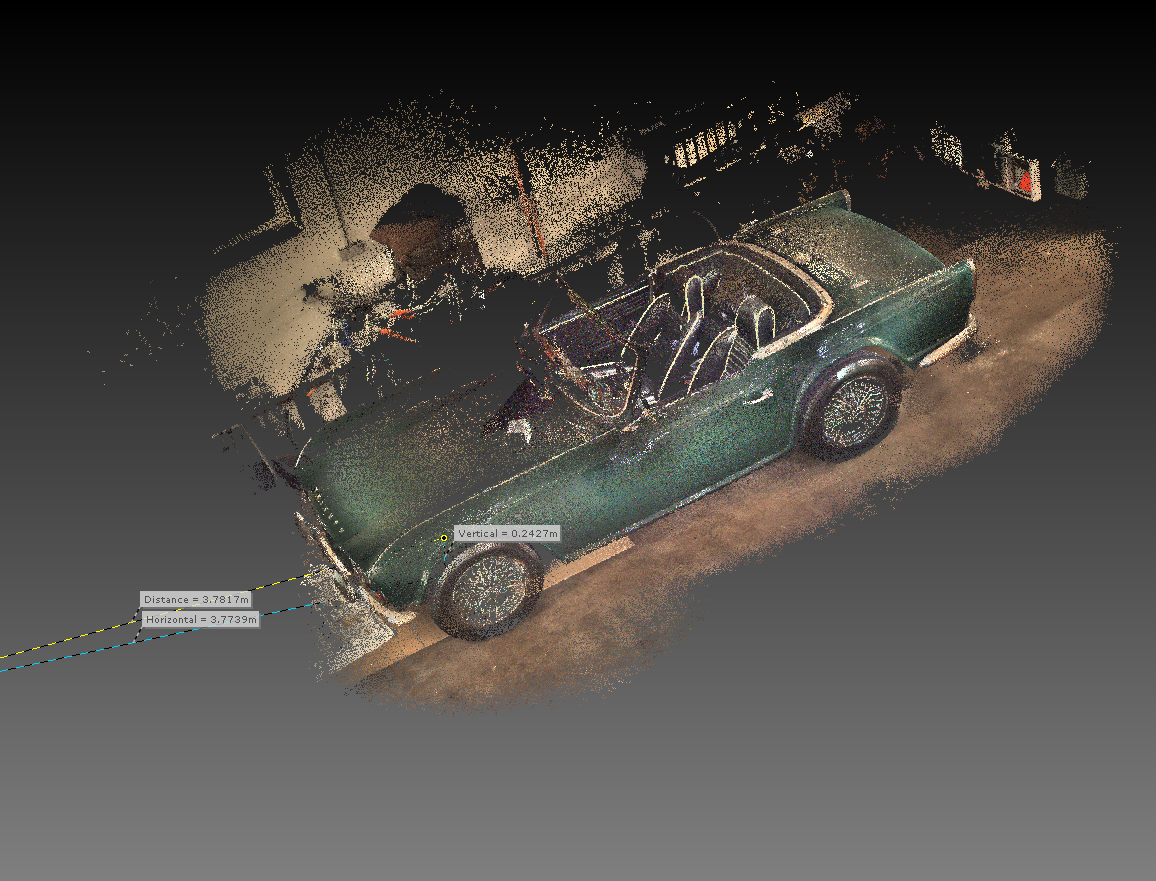
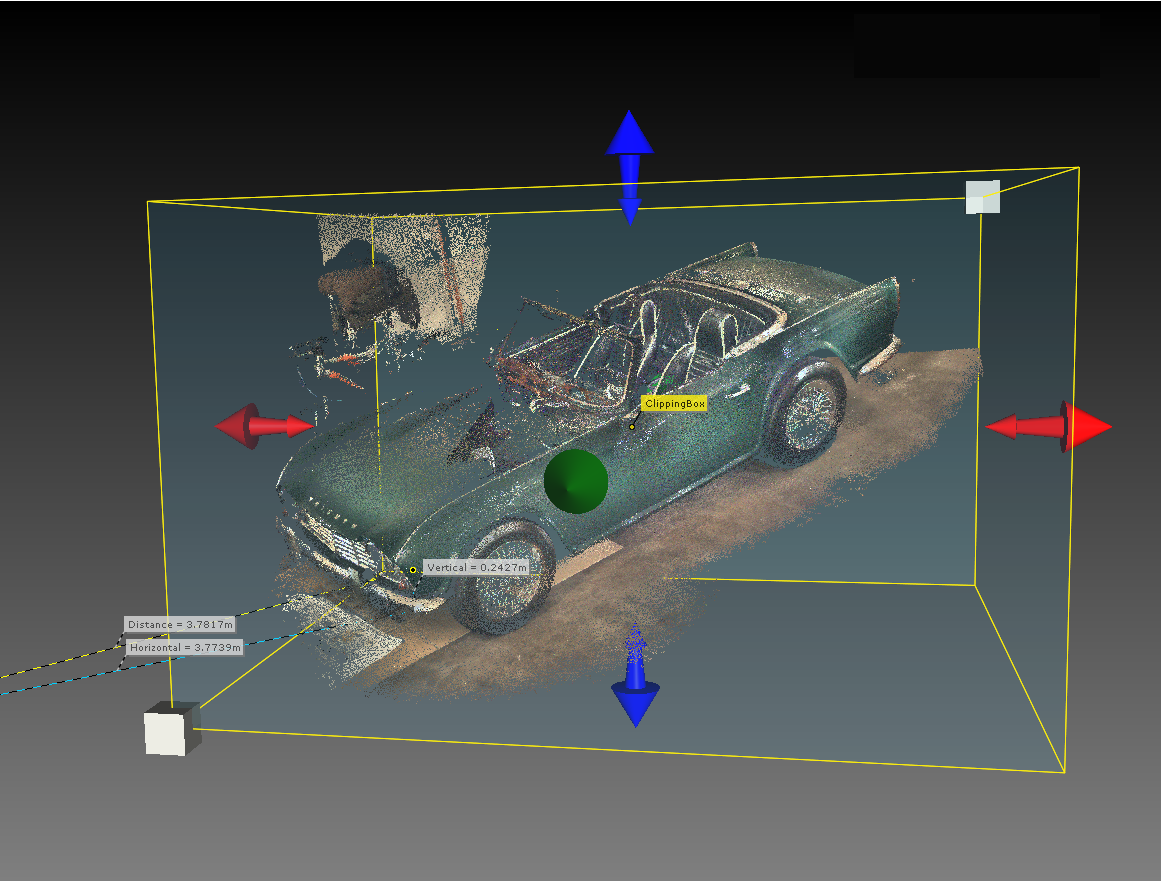
Figure 10-19 3D view without clipping box (upper picture) and with clipping box (lower picture)