Inverting a Selection of Scan Points
|
1238888 |
There may be applications in which the marking of scan points is difficult or time-consuming, and it would be much easier if you could mark those scan points you do not need.
-
Open a 3D view of a point cloud.
-
Click Selection, and choose the Select Polygon
 or the Select Brush
 selection tool.
 -
Create a selection in the 3D view.
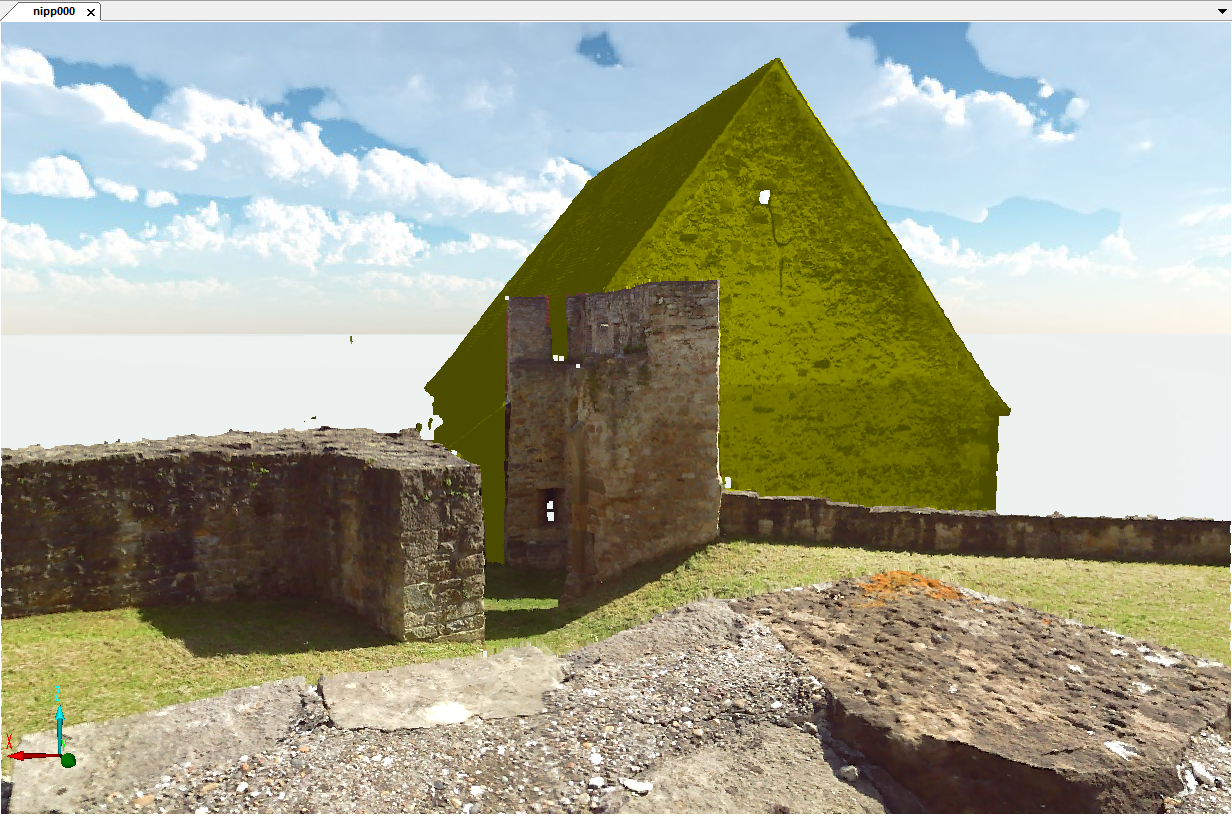
-
Scan points of a house, marked with the Polygon selection
-
Right-click the selection, then click Selection > Invert Selection.
Your selection will be cleared and all other scan points will be selected.
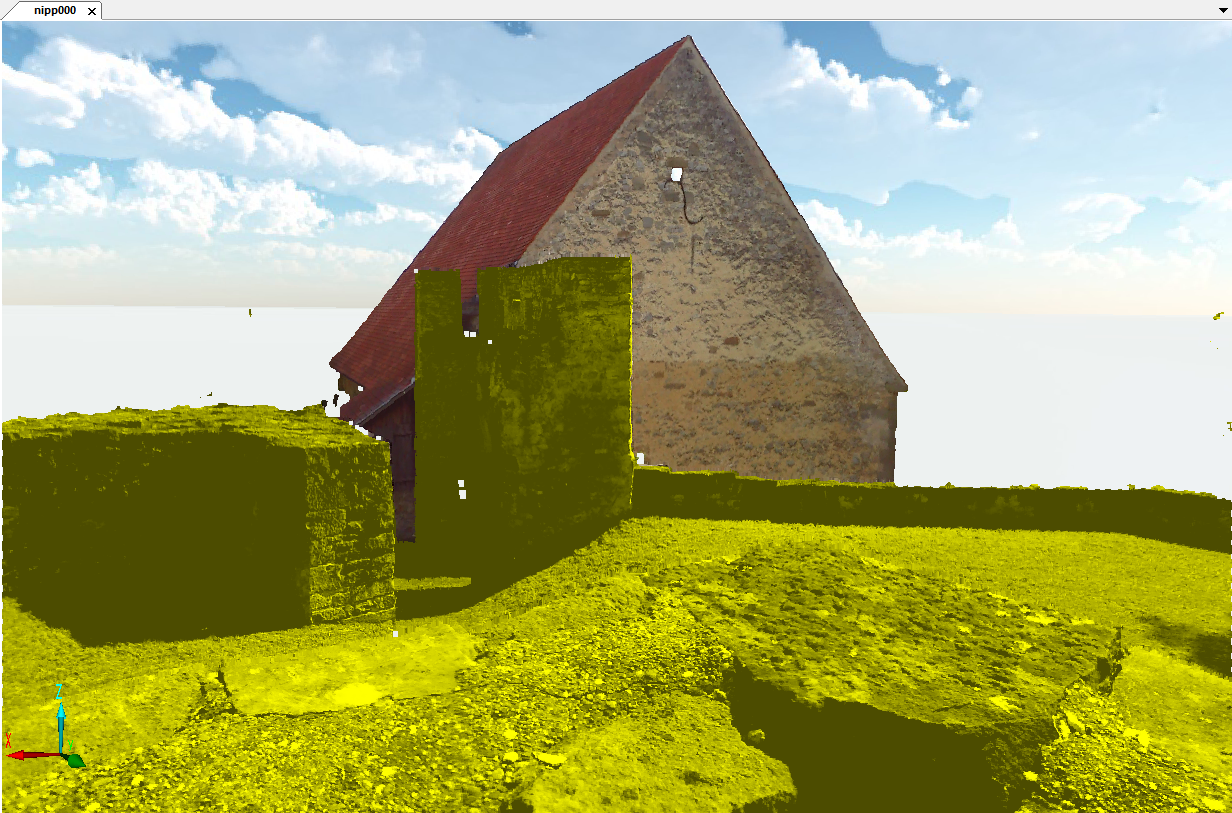
Figure 10-16 Scan after using the invert function