Quick View
|
1238888 |
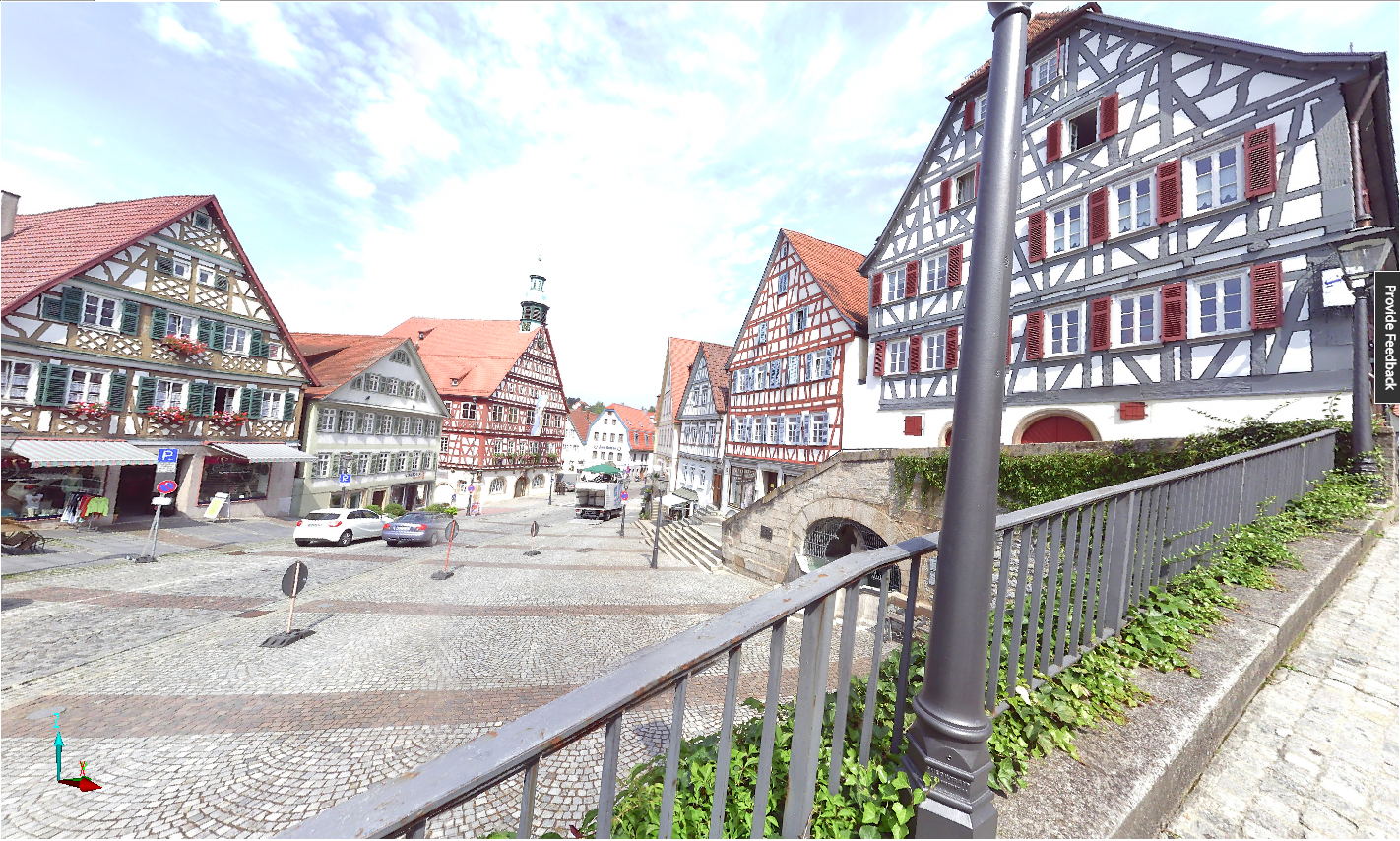
Figure 10-3 Quick view
The quick view is the standard view and displays the content of a single scan. Starting from SCENE 2025.0, you can define a setting for the Focus scanner to create full-resolution 360° photos at processing. You can do so either during processing for a particular project or on the Processing settings page for all projects. Blink captures always have full-resolution images.
To start the quick view ,
- double-click the scan’s name in the structure view.
- right-click the scan’s name in the structure view, then click View >
You can also open the quick view in the interactive registration.
After the quick view has been opened and is displayed, the scan point data will be loaded in the background. Until the data is loaded, you can view the scan and navigate but you cannot manipulate the scan points. As soon as the scan data has been fully loaded, all the scan point manipulation functionality is available.
The following restrictions apply in the quick view:
- You always see the scanned area from the scanner position, which means you cannot leave this position until you change your line of sight and scale.
- The field of view cannot exceed 180°.
You can adjust the line of sight by holding the left mouse button down and moving the scan points in the direction required. In quick view, the Examine Mode is the standard viewing mode.