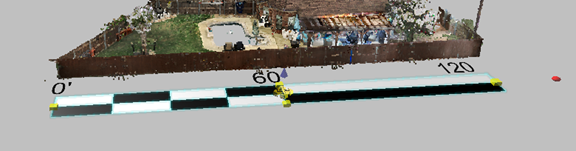
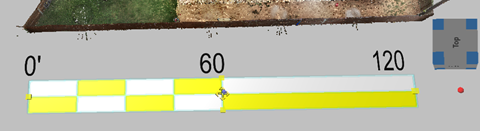
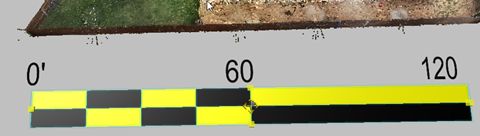
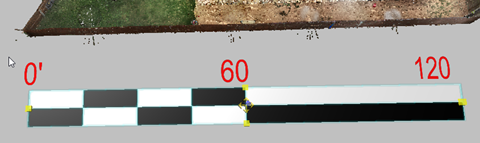
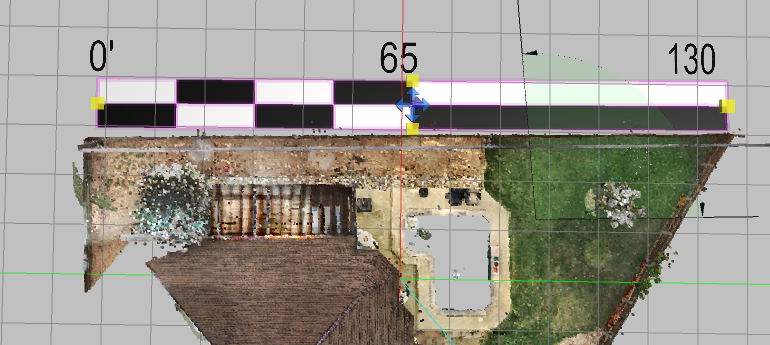
Place Scalebar
Use a scalebar to display units and scale references on the drawing.
To place a scalebar:
-
From the Home ribbon, click the Dimension drop-down and select Scalebar.
-
Click the area on which to place the scalebar.
-
Use the grips or tool panel to make adjustments, or enter exact dimensions in the tool panel.
Scalebar Tool Panel
| Units |
Select the type of units to display with the scalebar. Select Automatic to use the currently-selected units for the application. |
| X, Y, and Elevation coordinates |
Adjust the position of the scalebar. |
| Width|Height |
Set the width and height of the scalebar.
|
| Fore Color, Back Color, Text Color |
Fore Color
Back Color
Text Color
|