Wall Projection
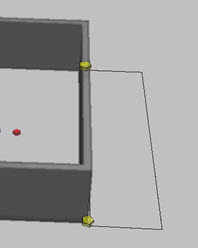
In 3D mode, you can place a 2D projection of a wall.
To place a wall projection.
-
In 3D mode, select a wall.
-
Click the Wall Projection tool.
-
In the diagram, click the location for wall projection.
-
Use grips, or options in the Symbols tool panel to configure the object.
Any points, lines or images snapped to the wall or placed with the Structure > Image command are projected to the elevated wall drawing.