Make a Sheet Black and White
|
1238888 |
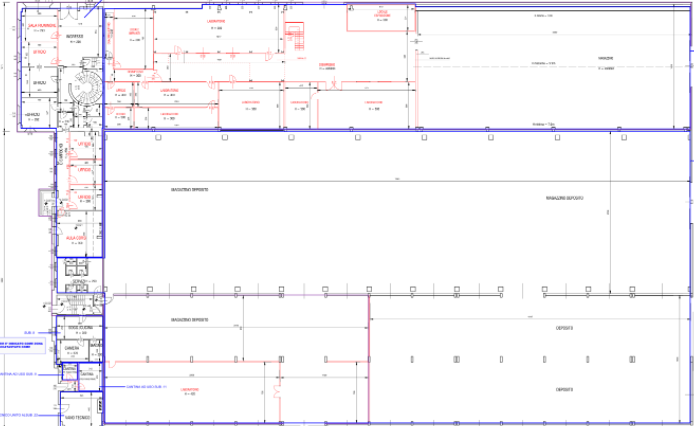
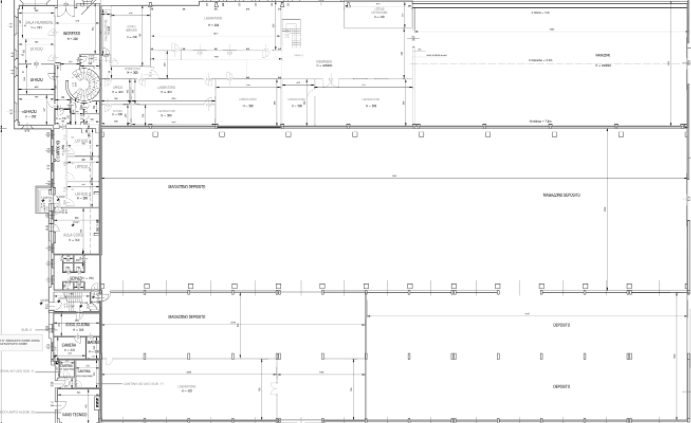
Depending on the source of your sheet, different colors may be used to mark different properties of a sheet. In the Sphere XG Viewer, you can activate and deactivate black-and-white mode of a colored sheet, see figure below.
-
Click the
 icon in the view toolbar on the lower left side to open the 2D view.
 -
Click the
 icon in the toolbar to open the Sheets form.
 -
Make sure that the sheet you want to manipulate is visible, i.e. the
 icon is displayed behind the sheet.
 -
Click icon
 in the toolbar on the right side of the screen.
|
|
|
|
Figure 1-110 Before and after clicking the Make Black and White icon |
|
This feature has no effect on already black and white sheets.