Move a 360° Photo to another Waypoint in the Same or a Different Area
|
1238888 |
You can move a 360° photo to another waypoint, i.e.to another 360° photo, a 2D image or a location marker, in the same area or in a different area.
-
Click the 360° photo you want to move in the 2D view or the project structure view to open the walkmode view.
-
Click the three-dots icon of the time travel dropdown at the top left of the Viewer.
-
Click
 Move to a different waypoint.
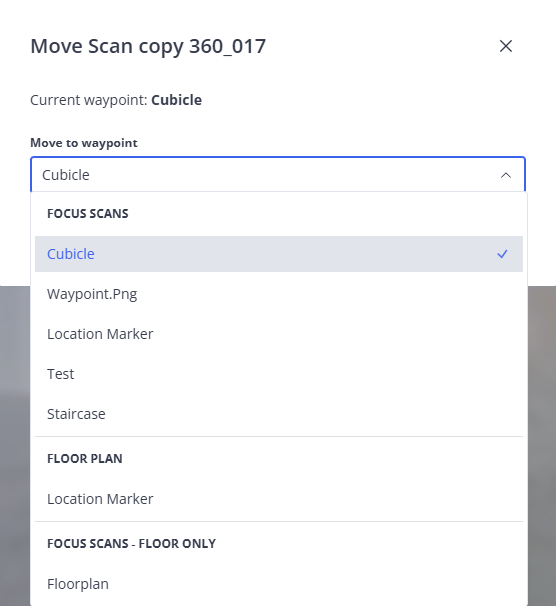
Figure 1-190 Move 360° photo to another waypoint
-
Open the dropdown in the form.
You can see the areas of your project and the available waypoints below.
-
Select the waypoint to which you want to move the 360° photo.
-
Click Move.
The 360° photo will be moved to the selected waypoint.