Coloring Options for Waypoints
|
1238888 |
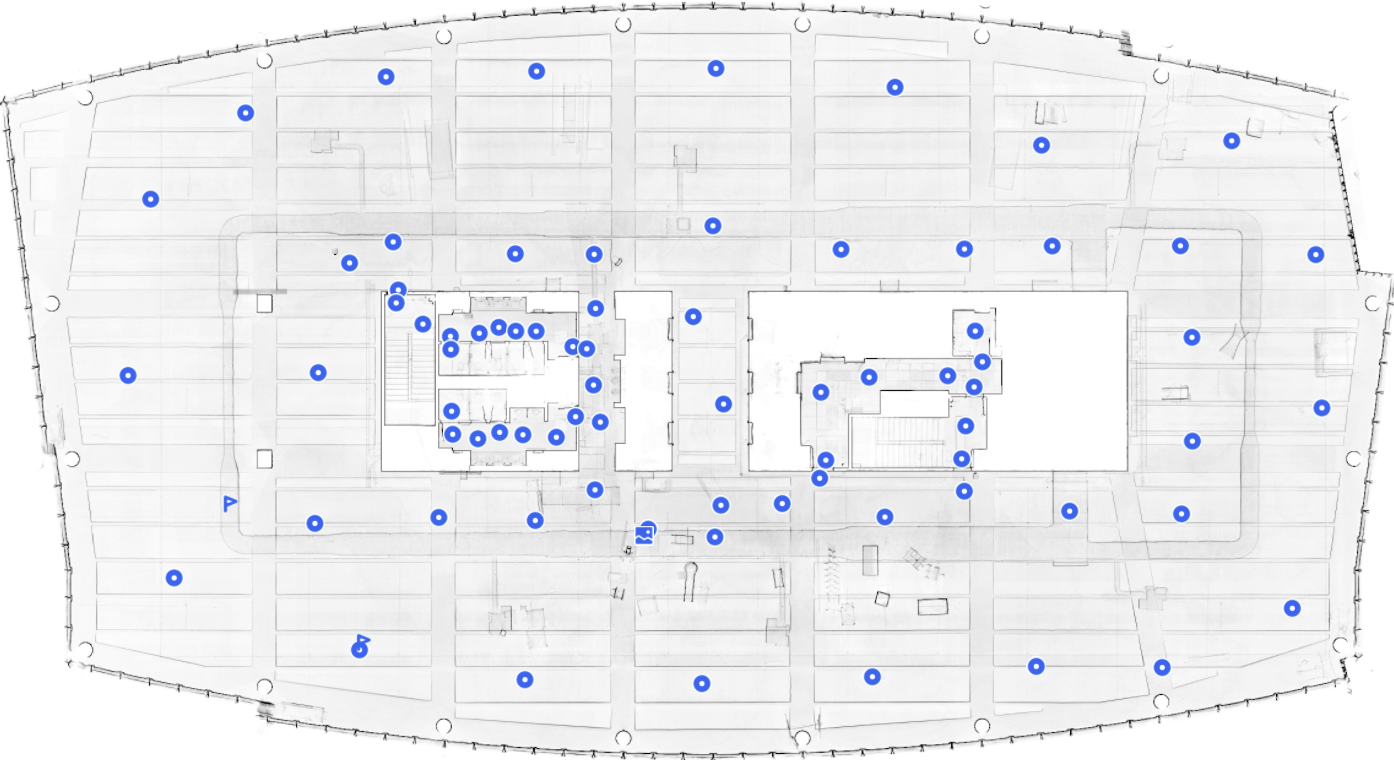
By default, waypoints in Sphere XG are blue:
 This is the generic waypoint icon. You can move such a waypoint if it contains a 360° photo (static HoloBuilder captures, see Capture 360° photos and create tours with the JobWalk App).
 Waypoint with a 2D photo.
 2D photo.
 Location marker, see also Create new Waypoints.
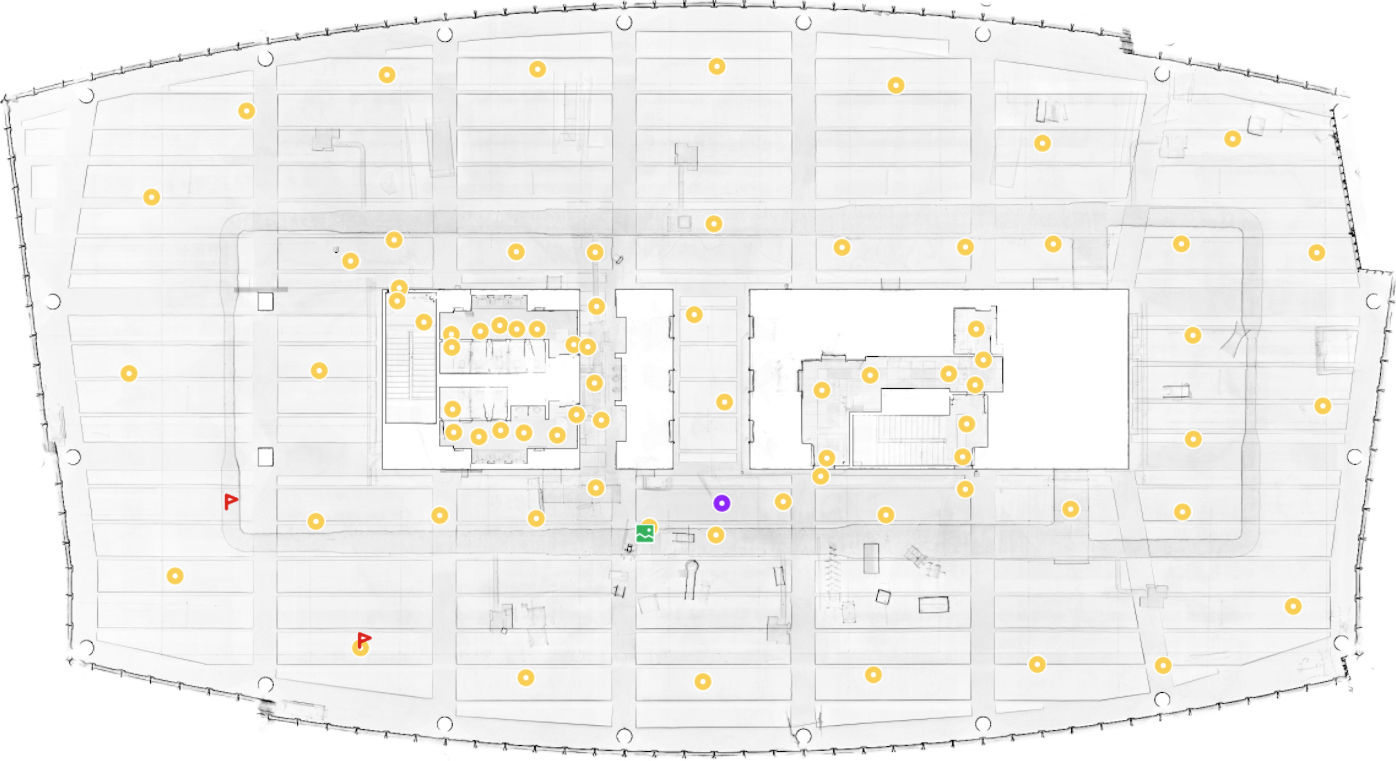
Define New Custom Waypoint Color for All Projects
You can define a custom color that will be used for all projects when the option Custom is selected in the general view settings. You can define the custom color in the workspace settings on the Sphere XG Dashboard, see Settings: General.
Note however, that other colors that you assign in the Viewer or select in the general view settings will override the custom color.
Select Waypoint Colors in the General View Settings
To open the general view settings:
-
Click the
 icon in the toolbar on the right side.
 -
Then select the option you want under Colorize.
The following options are available:
- Custom: If you activate this switch, the default colorization is used. You can change the custom color on the Dashboard in the workspace settings, see Settings: General.
-
By elevation: If you activate the switch, waypoints will be displayed with different colors according to their elevation. Note that this option is only available if the elevation difference is greater than 1 meter.
-
By capture date: If scans were captured on different dates and at least one day apart, you can colorize the waypoints according to their capture date.
-
HoloBuilder colors: Shows the waypoints in the colors that were used in the HoloBuilder WebEditor
Select Individual Colors for 360° Photo, 2D Photo and Location Marker Waypoints
-
In the project structure view, click the three-dots menu of the waypoint for which you want to change the color.
You can also right-click the waypoint in the Viewer to open the context menu. -
Click the color you want.
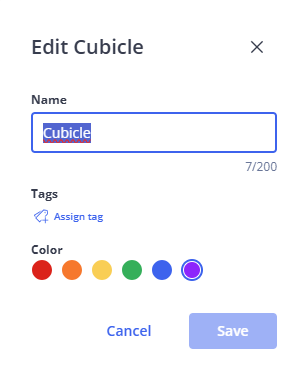
Figure 1-192 Select HoloBuilder colors
The color of this waypoint will be changed.
|
|
|
|
Figure 1-193 Sphere XG custom color (default setting) |
Figure 1-194 Individual waypoint coloring |