Point Cloud Analysis Tool
|
1238888 |
With the point cloud analysis tool, you can run the following analyses on a point cloud:
-
Surfaces: Analyze the flatness and levelness of floors and ceilings, as well as plumbness of walls or any other surfaces. See Run a Point Cloud Analysis.
-
Stockpiles or depressions: Analyze the volume. See Run a Volume Analysis.
Common Settings in the Point Cloud Analysis Tool
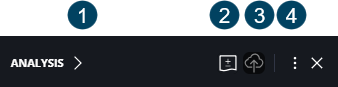
 Collapses the toolbar.
 Allows adding labels showing the deviation from the reference plane.
 When the analysis is not yet saved, the
  icon is displayed allowing to save the analysis. If the analysis is saved, the
  icon is displayed allowing to share the analysis via link, see below.
Note that you need at least the Project Editor role to save the volume analysis.
 The options in the three-dots menu differ depending on whether the toolbar is collapsed or expanded.
-
Share: Copies a link to the analysis to the clipboard. You can then share this link with via email or messenger. This link will restore the various objects of the scene such as the active point cloud and the 3D model.
-
Create report: Creates and downloads a report of the point cloud analysis. You can enter a report name and a report description. The report will contain the name and the description as well as the project name, the report date, the capture date, the analysis type and a link to view the project with the point cloud analysis in the Sphere XGViewer. See figure of example report below.
Note that you need to save the analysis before, you can create a report and share the link.
-
Delete: Deletes the analysis. You cannot undo this.
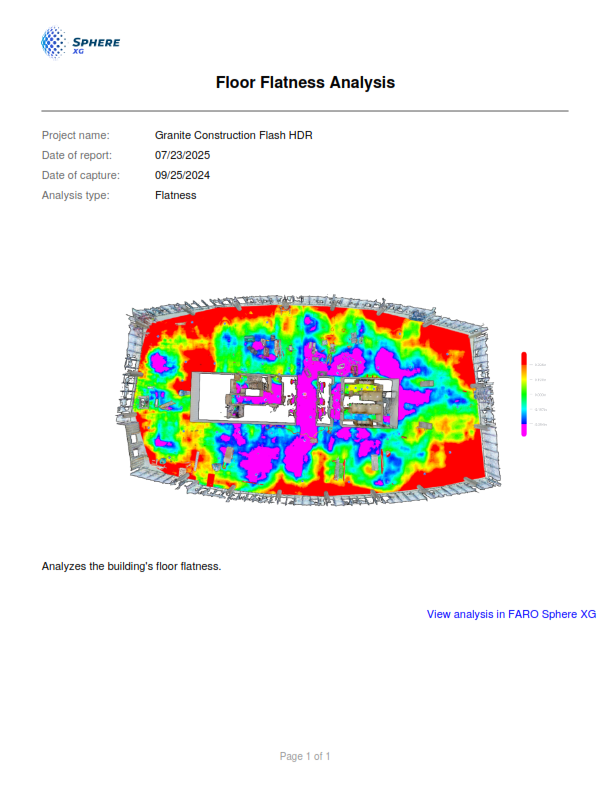
Figure 1-152 Point cloud analysis report